Home India Post GDS Photo & Signature Resizer
Blinking feature using CSS

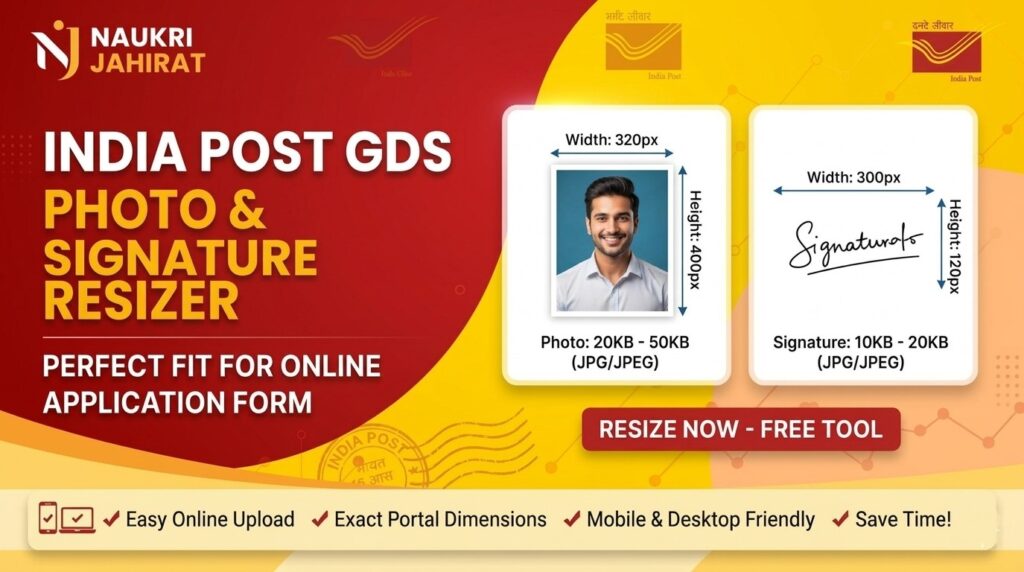
Resize your photo & signature for India Post GDS online application. This photo & image resizer tool creates the recommended 300 x 120 pixel landscape output at an exact 5:2 ratio, exports JPG, and checks the official 20KB to 100KB range before download.

New »India Post GDS Recruitment July 2026 : click here

🔒 PRIVATE & SECURE

GDS Photo & Signature Resizer

Resize, crop and compress your photo or signature according to the selected requirement.

Dimensions 300 × 120 px
File Size 20–100 KB
Format JPG
📷

Click to upload your image

or drag & drop your image here

Supported: JPG, PNG, WebP · Maximum 20 MB
💡 Drag the image to position it inside the frame. Use the zoom slider if necessary.
Image editor
Crop area: 300 × 120 px
Zoom 100%
Processing image...

Final Image Preview

📥 Download JPG
🔒 Your image is processed locally in your browser. It is not uploaded to this tool's server. Powered by naukrijahirat.com

User Reviews

How was your experience with our GDS Resizer?

No reviews yet
Loading reviews...
GDS Photo Resizer Tool
 
Resize Photo into 300 x 120 pixel landscape
 
Reduce size 20KB to 100KB
 
No signup
 
No plan purchase
 
Totally free Photo & Signature resizer

How to Resize an Image?

1. Select Image Type from dropdown.

2. Click to upload image.

3. Process and compress image.

4. Download resized image.

Perfect quality

The best online GDS image resizer to resize your Sign & Photo at the required dimensions.

Easy To Use

Simply upload your image and compress. It’s as easy as that!

Works Anywhere

India Post GDS Photo & Signature Resizer is browser-based (no software to install). It works on any platform (Windows, Linux, Mac).

It’s Free

This is an free India Post GDS image compressor tool. There is no software to install, registrations, or watermarks.

Key Features of Our Resizer Tool

    • 100% Free & No Watermarks: Resize as many images as you need without hidden charges, subscriptions, or intrusive watermarks.
    • Complete Client-Side Privacy: Your files are processed entirely inside your local browser window. They are never uploaded to our servers, keeping your personal data completely secure.
    • Fully Mobile Responsive: Works seamlessly on any Android, iOS, Windows, or Mac device without installing heavy third-party software.
    •  Automated Target Compression: The tool automatically trims the size to sit comfortably within the 20KB–100KB bracket so you don’t keep guessing compression levels.


Simple Photo & Signature Guidelines for GDS Portal 

  • For the Photo: Ensure it features a plain white or light background. Avoid wearing sunglasses, hats, or religious caps that cover your facial features. Look directly at the camera.
  • For the Signature: Sign clearly inside an imaginary box on a crisp sheet of blank white paper. Use a clear blue or black ink pen. Do not crop the signature too tight or leave massive white margins around it.

Disclaimer

Whatever image is uploaded by the user in Image Compressor tool gets automatically deleted from the server immediately after downloading. We do not keep any uploaded information of any user nor any information is saved in our website/server.

©GDSImageResizer @ NaukriJahirat™  made with♥️